▸ Online, worldwide · we reply within one working day
CCCreaticast Lab
Go live this weekend Downloadable pack

Look like a pro streamer before Monday.

Creaticast Lab is a downloadable Overlay & Stream Toolkit — ready-made overlays, alert templates, scene layouts and plain-English setup guides. Drop them into OBS, tweak the colours, hit "Go Live." No design skills, no all-nighters.

  • 60+ overlay & alert files
  • 1 weekend to launch
  • OBS & Streamlabs ready
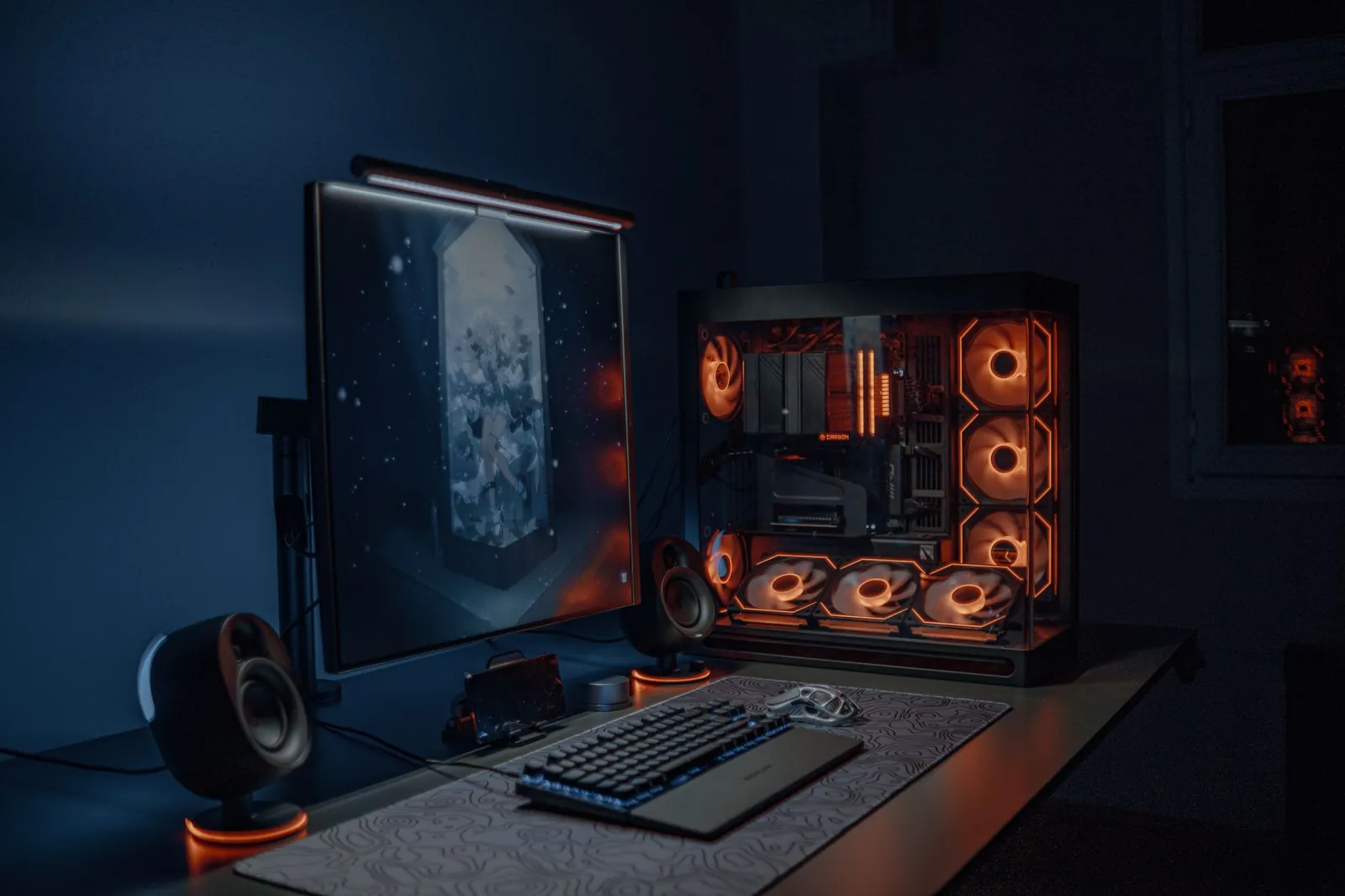
Instant download A streamer's neon-lit desk setup glowing with cyan and magenta RGB lighting Set up in an afternoon

What's in the box

Everything a first stream needs, already built.

Open the pack, drop the files into your software, and the fiddly parts are done. Here's the map.

01 · OVERLAYS

Full overlay sets

A complete matching family of frames — starting soon, be right back, live and stream over — so every moment of your broadcast looks like it belongs to the same channel, not four random downloads stitched together.

Each set ships in three colour themes — cool cyan, hot magenta and a soft cream — and comes as both flat PNGs for a quick drop-in and fully editable source files when you want to make it your own. Canvases are pre-sized for 1080p and 1440p, so nothing stretches or blurs whatever your resolution.

  • Layered files — text, logo, camera box and accent on their own tracks
  • Safe-area guides marked so nothing lands under a webcam or chat
  • One-swatch recolour — change your accent colour and the whole set follows
  • Named sensibly, ready to import — no cryptic layer 47 copy
18 layered files
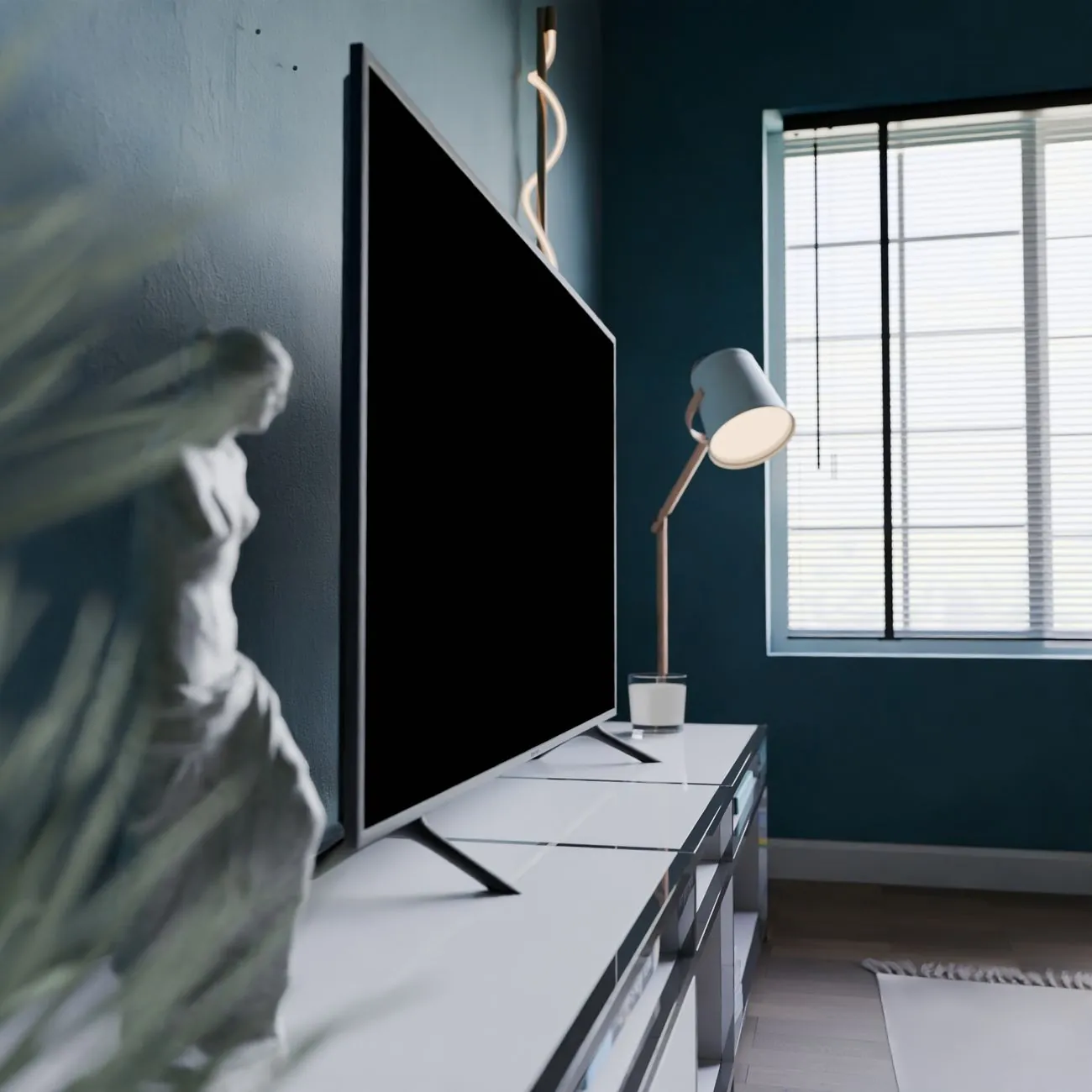
Colourful gaming room lit with RGB ambient lighting
02 · ALERTS

Alert templates

Follower, sub and tip alerts with tidy animation timing you can recolour in a click.

03 · SCENES

Scene layouts

Pre-arranged OBS scenes: full-cam, gameplay-plus-cam, chatting and intermission.

04 · GUIDES

Setup guides in plain English

Step-by-step PDFs: install, import a scene collection, wire your mic and camera, and fix the three problems that trip up every first stream.

6 illustrated guides
Neon gaming keyboard and mouse peripherals glowing in the dark

Who it's for

Built for the person about to press "Go Live" for the first time.

If you know your game or your craft but freeze at the design side, this pack is the shortcut. Recognise yourself below?

No design degree required
  1. The weekend launcher

    You've got two days off and you want to be streaming by Sunday night — not still watching tutorials.

  2. The switcher

    You've streamed on your phone or a webcam and you're ready for a proper OBS setup that doesn't look thrown together.

  3. The one game short on time

    You'd rather spend your evenings playing and chatting than nudging boxes around in an editor.

  4. The creator who hates asking for help

    You want clear written steps you can follow at your own pace, not a Discord full of "just Google it."

Quick start

From download to first stream in four moves.

You don't need to read a manual cover to cover. Follow the cards left to right.

1

Download & unzip

Grab the pack after checkout, unzip it, and you'll see folders for overlays, alerts, scenes and guides — clearly named, nothing cryptic.

~2 minutes
2

Import a scene collection

Open OBS or Streamlabs, import the scene collection file, and every scene appears with the boxes already placed.

~10 minutes
3

Recolour & rename

Swap in your name, your accent colour and your links using the guide. The templates are built to be edited, not fought with.

~30 minutes
4

Test & go live

Run the pre-flight checklist, fire a test alert, check your audio, and hit "Go Live." That's a real stream, looking sharp.

Same afternoon

The look

Bold, bright and unmistakably yours.

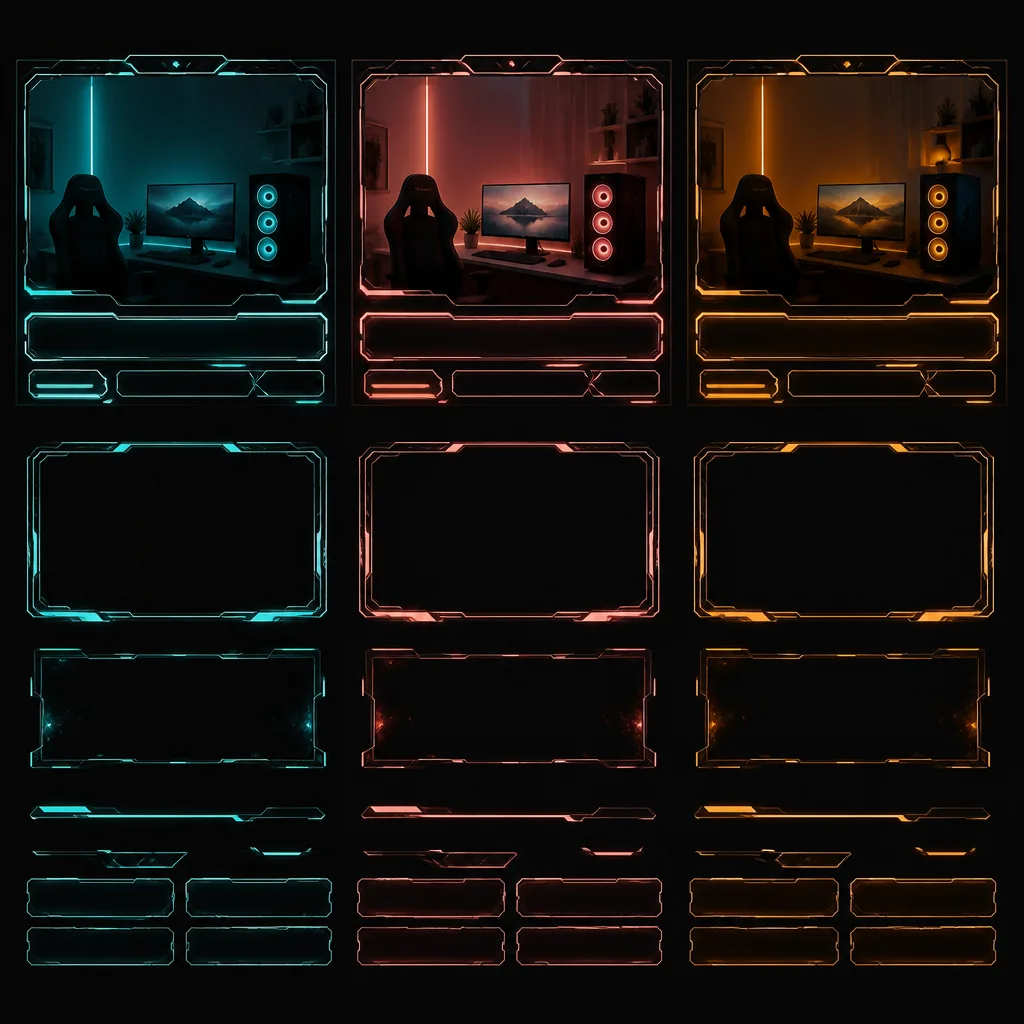
Three colour themes ship in the pack — cool cyan, hot magenta and a soft cream. Recolour any of them to match your brand.

Retro synthwave neon grid stretching to the horizon
Starting-soon frame
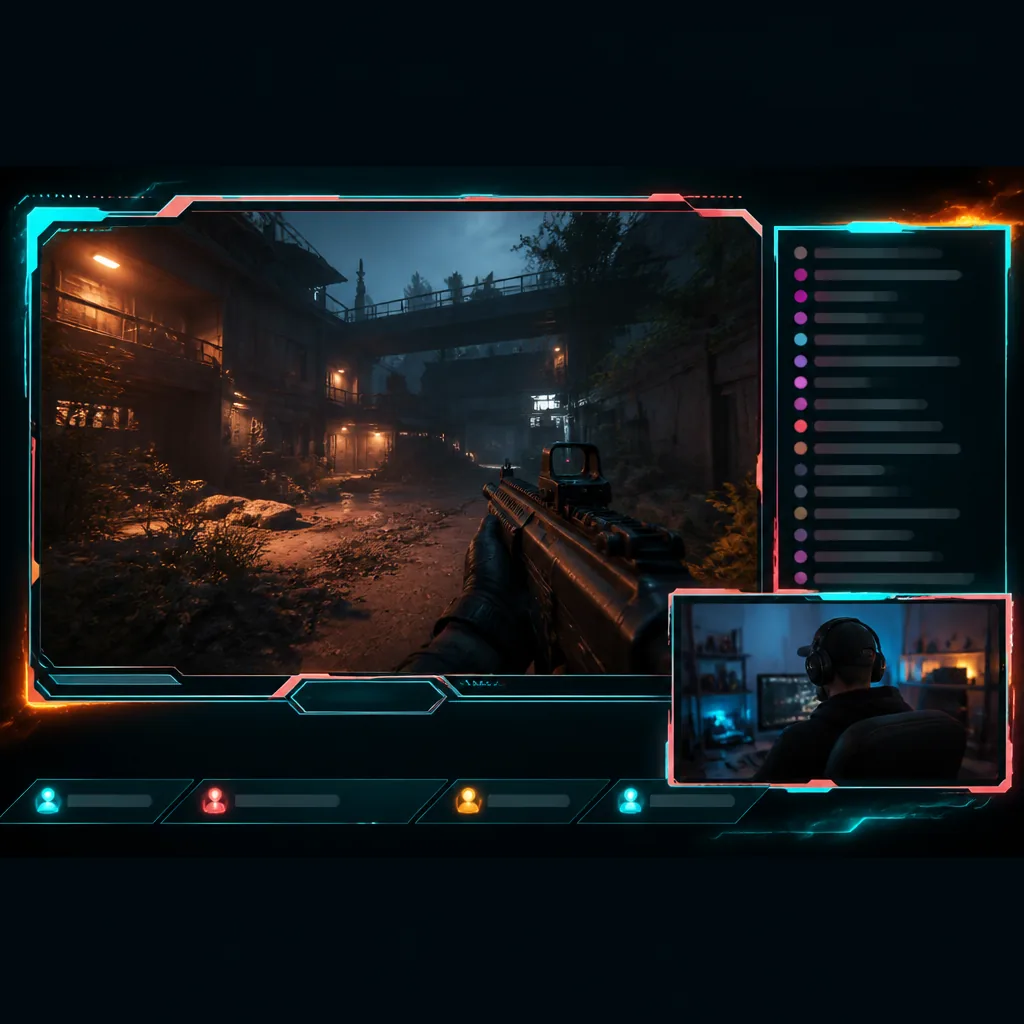
Live gameplay stream overlay with webcam box, chat panel and follower ticker in teal and coral
Live gameplay overlay
Dual-monitor gaming battlestation glowing purple
Just-chatting scene
Follower alert graphic bursting on screen with a notification banner in teal and coral
Alert animation

Drag, scroll or swipe to browse the set →

Pricing

Two ways to get set up.

Prices in US dollars. Payment and delivery are arranged after you send the form — nothing is charged on this page.

Self-serve

Toolkit

$69 / one-time

  • Every overlay, alert and scene file
  • All six illustrated setup guides
  • Three colour themes, fully editable
  • OBS & Streamlabs scene collections
  • Free updates for a year
Get the Toolkit — $69
What's included in each Creaticast Lab tier
What you getToolkit+ Setup Review
Overlay, alert & scene files
Illustrated setup guides
Editable colour themes33
A year of free updates
1:1 setup review call
Channel-specific checklist
Priority email answers30 days

Both tiers are a one-time payment for a downloadable digital product. After you send the form we'll email you a payment link and your download — usually the same working day.

The Feed

Read before you press record.

Short, honest guides from the studio — no fluff, no "buy my course" energy.

Three colour themes of a stream overlay frame in teal, coral and amber
Design · 6 min

Stream Overlays 101: What You Need and What to Skip

The handful of overlay pieces that actually matter — and the clutter that just eats your screen.

Read the guide →
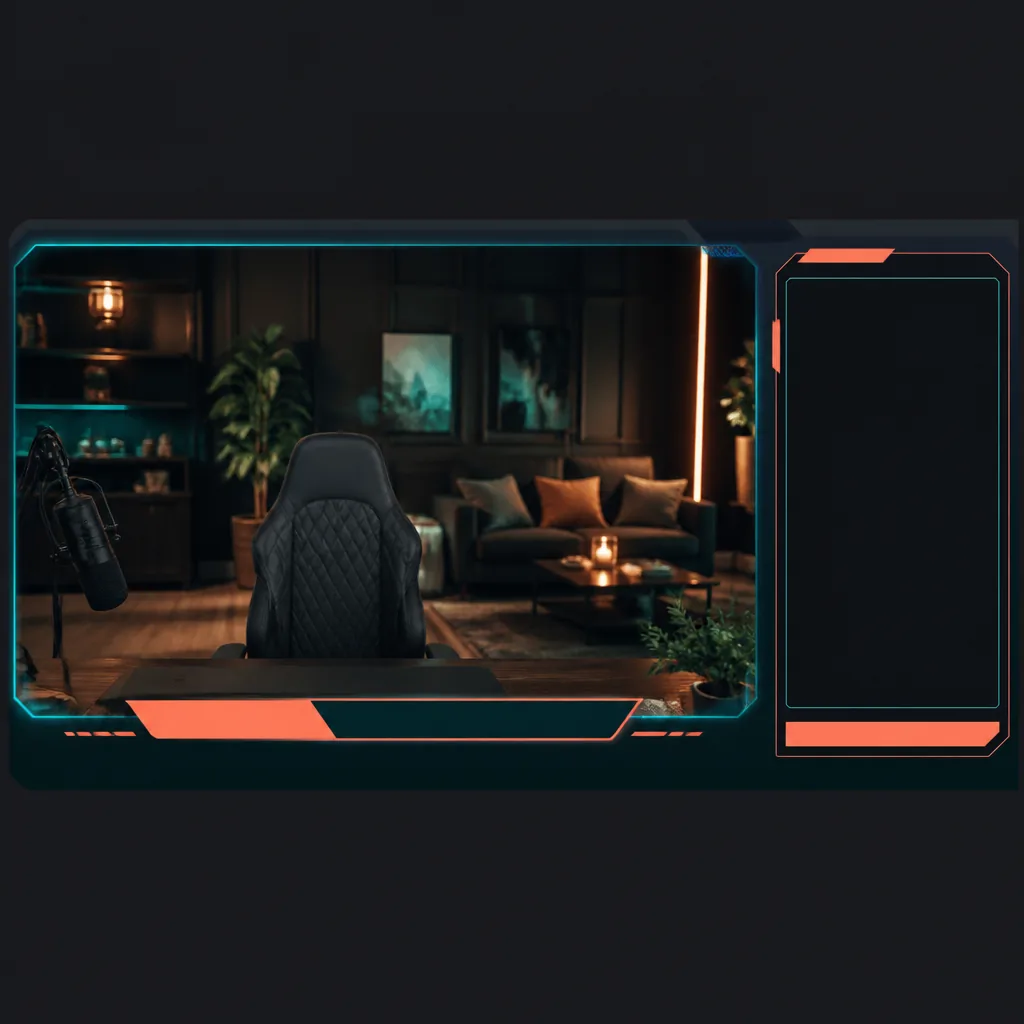
Just-chatting OBS scene layout with a large webcam frame and lower-third nameplate
Setup · 8 min

Setting Up Alerts and Scenes in OBS Without the Headache

Import a scene collection, wire your alerts and stop the "why won't it show up" spiral.

Read the guide →
Person streaming live at a desk with a microphone
Launch · 9 min

Your First Weekend as a Streamer: A Step-by-Step Setup Guide

A realistic two-day plan that ends with you live, on air and not exhausted.

Read the guide →

Questions

Before you buy.

Which software does the toolkit work with?

Everything is built for OBS Studio and Streamlabs. The overlays and alerts are standard image and browser-source files, so they'll also drop into most other broadcasting software that reads those formats.

Do I need design skills to use it?

No. The whole point is that the hard design work is done. You recolour and rename using a step-by-step guide — if you can change a font colour, you can personalise the whole pack.

Is this a subscription?

No. Both tiers are a single one-time payment for a downloadable product, and you get a year of free updates included.

How is it delivered?

It's an instant digital download. After you send the form we email a payment link and your download link — usually the same working day, always within one business day.

What does the Setup Review include?

A 1:1 video call where we look at your live setup together — scenes, audio levels, overlays and alerts — then send you a short written checklist tailored to your channel, plus 30 days of priority email answers.

Can I get a refund?

Because it's an instant digital download, refunds work a little differently — see our Refund Policy for the full detail, and email us if something isn't right.

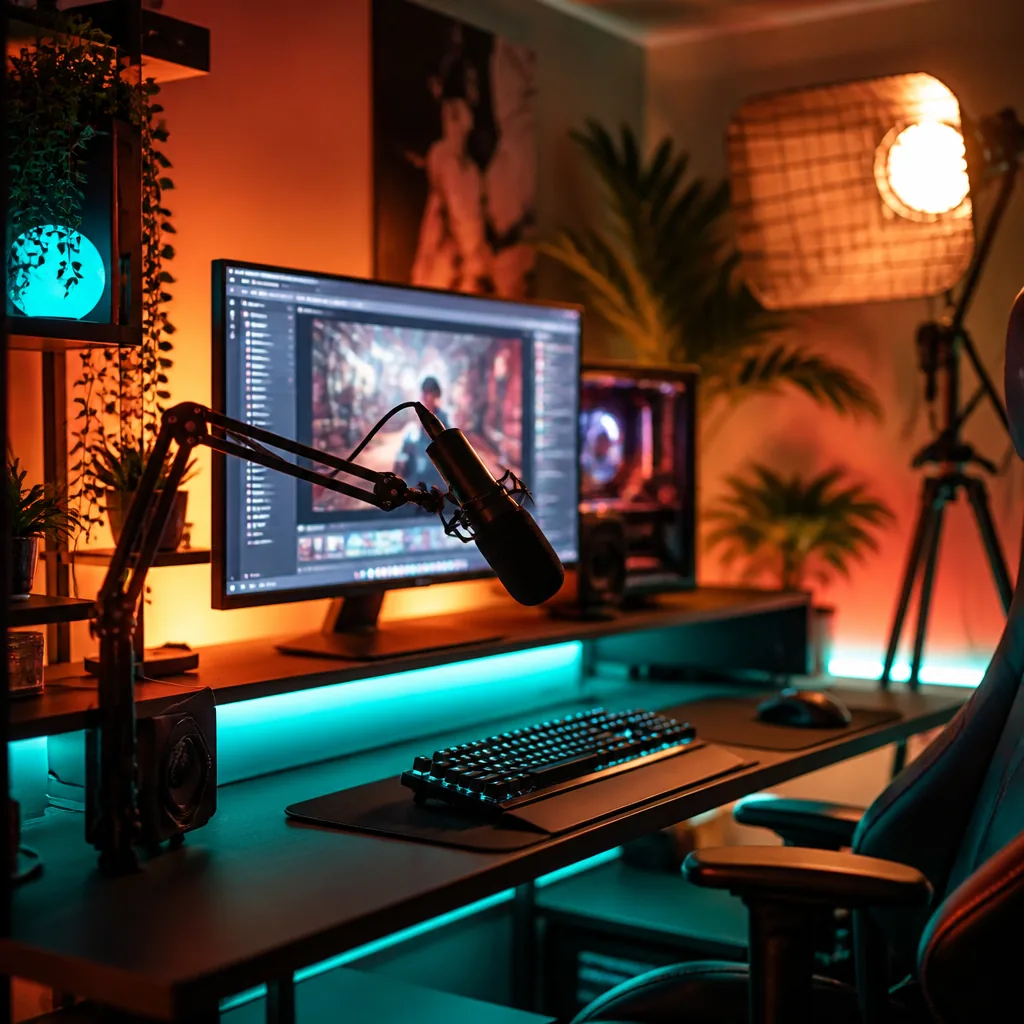
A streamer's neon desk with a boom-arm microphone, keyboard and a live stream on the monitor

Every order includes

  • The complete overlay, alert and scene file set
  • Six illustrated setup guides in plain English
  • OBS & Streamlabs scene collections
  • A year of free updates, no strings

Rather talk first? Email [email protected].

No card needed here

Get the toolkit

Tell us where to send it and which tier you want. We'll reply with a payment link and your download.

Weekend project

Your channel is one download away.

Skip the tutorial rabbit hole. Get the pack, follow the guides, and go live looking like you've done this for years.

Get the toolkit — $69